
bad99 — Live Tables, Slots and Cricket Betting for Bangladesh
bad99 puts live baccarat, slot rooms, crash games and cricket betting markets in one lobby, funded directly from your bKash, Nagad or Rocket wallet — no bank card, no waiting around.
bad99 · Bangladesh
Service availability depends on eligible regions and local law. Users should check local rules before opening an account.
What Makes bad99 Work for You
We built bad99 around the way Bangladesh players actually move — phone in hand, wallet already open, looking for a game that loads fast and pays out cleanly. Every part of the lobby, from the live tables to the sportsbook, is connected to the same account and the same wallet you use every day.
Cricket and Sports Betting
BPL, international cricket and football markets sit inside the sportsbook. Switch between a live baccarat table and a cricket match without leaving your account.
Local Wallet Payments
bKash, Nagad and Rocket are the payment rails we've built around. Add funds straight from your mobile wallet and withdrawals go back the same way.
Live Casino and Slot Rooms
Pragmatic Play and Evolution live tables run alongside PG Soft slots. Baccarat Twilight, Roulette Spinmaster and Crash Blaze are some of the headline titles.
Android App and Mobile Web
Download the APK directly or open the mobile site — both give you the full lobby. Players in Dhaka reach the tables in seconds from either path.
What's Running on the Promo Board
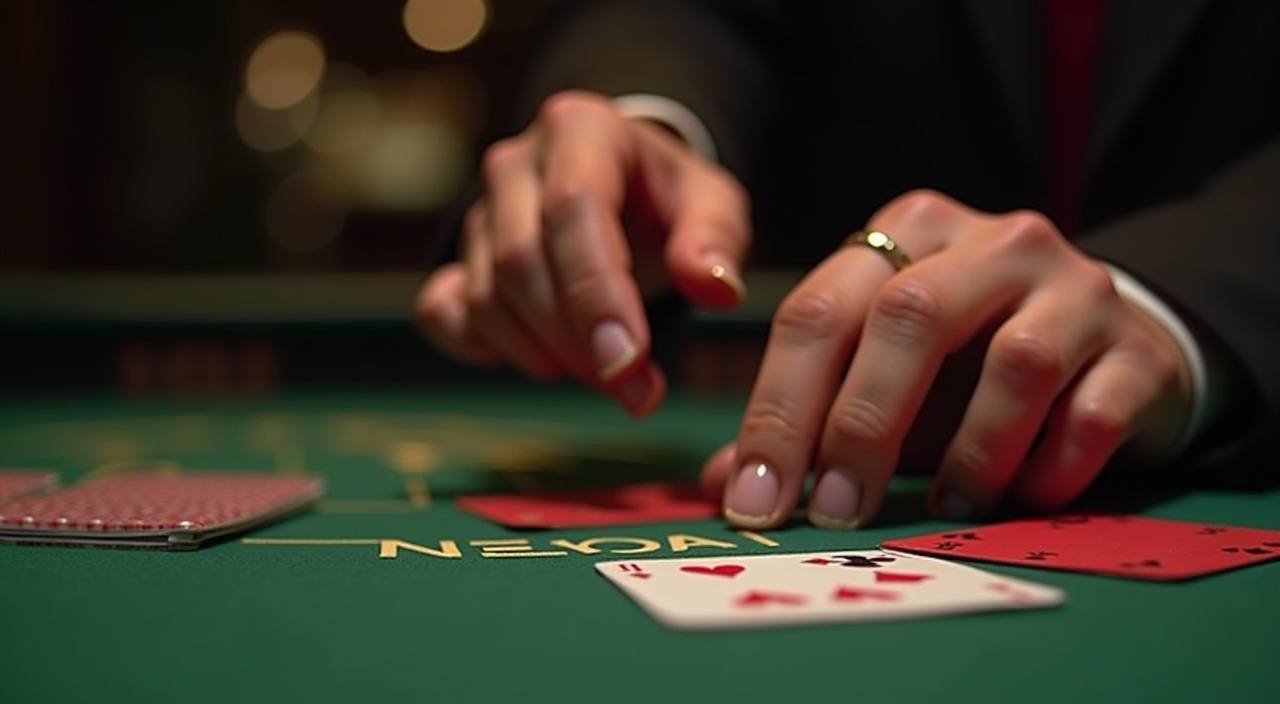
An opening offer is available when you fund your account for the first time via bKash, Nagad or Rocket. Full terms are shown at the deposit step before you confirm.
Open Your Account
Regular account holders can access reload offers on selected days. Eligibility and amounts are shown in the promo section of your account dashboard.
Open Your AccountbKash, Nagad and Rocket — Your Wallet Path
We don't ask you to set up a bank card or wait for a transfer to clear. The deposit flow connects directly to the three wallets Bangladesh players use most. Go to the cashier inside your account, pick your wallet, and the app will show you the account number to send to. Confirm with your PIN on the wallet side and the balance appears in your account. Withdrawals reverse the same path — you request from the cashier and the funds go back to the wallet you deposited from.
Open the bKash app, send to the number shown in the cashier, confirm your PIN. Deposits reflect in your bad99 account once the wallet confirms the transaction. Withdrawals return to your bKash number on file.
Nagad works the same send-and-confirm flow. Go to the cashier, select Nagad, copy the destination number, send the amount and enter your Nagad PIN to complete. Withdrawals route back to Nagad.
Rocket deposits follow the same steps — cashier, select Rocket, send to the displayed number, confirm with your Rocket PIN. Your account balance updates after wallet confirmation and withdrawals go back to Rocket.
Live Tables, Slots, Crash Games and More
The lobby groups games into clear rooms so you can jump straight to what you want. Live casino tables — Baccarat Twilight, Roulette Spinmaster and Evolution's live dealer rooms — sit alongside slot titles from Pragmatic Play and PG Soft, including Gates of Olympus and Mahjong Ways. Crash Blaze and Easy Rocket Payout run in the crash section for players who prefer a faster-paced round. The sportsbook covers cricket markets heavily, with BPL and international fixtures listed when they're live. RTP figures are shown on each game card where the studio makes that data available — we don't publish estimates for titles that don't expose it.




 bad99
bad99Get the bad99 App on Android or iOS
The Android APK is available directly from bad99 — no app store needed. Download, allow installs from unknown sources in your phone settings, and the full lobby loads the same as desktop. iOS users can add the site as a home screen web app from Safari for a near-native experience. Both paths give you live table access, wallet deposits via bKash, Nagad or Rocket, and account management in one screen. The app keeps you logged in via OTP so there's no password to remember between sessions.
From Zero to Lobby in Four Steps
Setting up your bad99 account takes a few minutes. Choose whether you're on the app or the mobile site, fill in your account details, connect your wallet and you're in. The whole flow is designed for a phone screen — no desktop required, no forms that need scanning. Each step below matches exactly what you'll see on screen.
Download the Android APK from bad99 or open the mobile site in your browser. Both reach the same registration screen with identical account fields.
Enter your mobile number, set a PIN and confirm with the OTP sent to your phone. Your account is live as soon as the OTP clears — no email verification required.
Go to the cashier, pick bKash, Nagad or Rocket, and follow the send-and-confirm flow. Your wallet number is saved for withdrawals so you only enter it once.
Once your deposit confirms, the full lobby unlocks. Head to live tables, slots or the cricket sportsbook — your balance and promo board are visible from the home screen.
How We Handle Your Account Questions
Support at bad99 covers deposits, withdrawals, account access and game questions. If your bKash or Nagad deposit hasn't reflected, our team can check the wallet transaction reference you have on the sending side and match it to the cashier log. Reach us through live chat inside the site or via our official Telegram channel — both channels connect to the same support queue. Response times vary by volume but wallet queries are handled with priority because we know a stuck deposit stops everything.
Live Chat
Access live chat from the support icon inside your account. For wallet issues, have your bKash, Nagad or Rocket transaction reference ready — it speeds up the matching process on our cashier log considerably.
Telegram Support
Our official Telegram channel handles account questions, deposit confirmations and withdrawal status checks. Send your registered mobile number and a brief description of the issue for the quickest resolution.
Account Self-Service
Password resets, OTP re-sends and wallet number updates are all available inside your account settings without contacting support. Most routine account changes can be done from the settings menu in under two minutes.
Platform at a glance
- Game providers
- Pragmatic Play, Evolution, JILI, NetEnt
- Game categories
- Live Casino, Slots, Sportsbook
- Sports betting
- Included
- Accepted currency
- BDT
- Payment methods
- bKash, Nagad, Rocket, Upay, Bank Transfer
- Customer support
- Live chat and email
Key Terms You'll Come Across in the Lobby
If you're new to the lobby or just want a plain-language reminder of what certain terms mean, this section covers the ones that come up most often across our games, wallet flow and sportsbook.
RTP stands for Return to Player — the percentage of total bets a slot or game pays back over time. It's a long-run average, not a round-by-round promise.
Volatility describes how often and how large a slot pays out. High volatility means bigger but less frequent wins; low volatility means smaller, more regular payouts.
A wagering requirement is the number of times you need to play through a bonus amount before you can withdraw it. Always check the exact multiplier in the offer terms.
Cash out lets you settle a live bet early for a reduced amount before the match ends. The value offered depends on current match conditions at the moment you request it.
In crash games like Crash Blaze, a multiplier rises from 1x upward. You must withdraw before it crashes — your stake is multiplied by whatever value you exit at.
KYC stands for Know Your Customer — the identity verification step platforms use before processing withdrawals. It usually involves confirming your mobile number and wallet ownership.
An accumulator combines multiple match selections into one bet. All selections must be correct to win, but the odds multiply across each leg, increasing the potential return.
Questions We Get Asked Most About bad99
These are the questions that come up regularly from account holders and new visitors. If something specific isn't covered here, live chat and our Telegram channel handle it directly.
Start With Your Wallet — Open an Account at bad99
Your bKash, Nagad or Rocket wallet is all you need to get going. Open your account with a mobile number, confirm the OTP and make your first deposit through the cashier — the lobby with live tables, crash games, slots and cricket markets opens straight after. Account access is subject to local law and eligible regions in Bangladesh. We keep the account flow clean because a complicated setup loses people before they've seen the lobby, and that's not what we're about.